

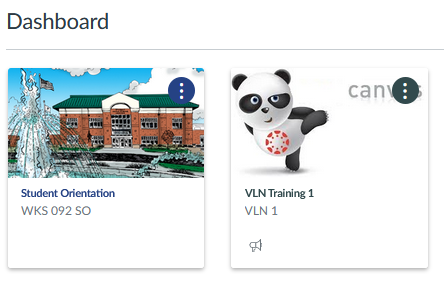
Note: Courses will NOT be available on your Canvas dashboard until the first day of class.
If your course isn’t showing on the dashboard, choose Courses in the main Canvas menu. Choose All Courses. Locate the course and select the star next to the name of the course to fill the star. The courses with colored stars will show up on your dashboard.
24/7/365 Technical Support
In Canvas? Live Chat 24/7
Or call 877.261.9854 24/7
Question about your class, content, due dates, assignments?
Contact your instructor.
Can’t log into Canvas through BlazerNet using your username & password? Contact IT Help Desk.
Username & password worked, but Canvas still isn’t working? Contact Instructional Support & Distance Learning Office.
Brainfuse is available 24/7 online. Access tutoring in a variety of different subjects, including math, writing, science, nursing, and more.